Launch-video maker · runs in your browser
Launch videos for your product, rendered in your browser.
stingkit turns your product name, tagline, features, logo and screenshots into a 10 to 17 second motion-graphics video for launch day. Pick one of 6 hand-built templates, preview it live, and export 1080p MP4 in 16:9, 1:1 and 9:16. Rendering and encoding happen on your device: nothing is uploaded and there's no account.
Free with a small corner mark. $19 per video or $12 a month without it.
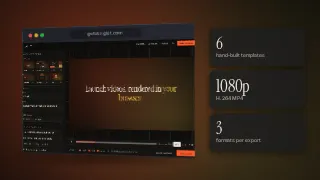
- 1080pH.264 MP4
- 3formats per export
- 0uploads

Sample export · stingkit's own launch video · Showcase template · 1280×720 · H.264 · 17 s · 3.0 MB · free export, with the corner mark
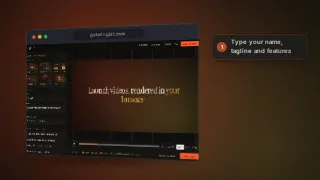
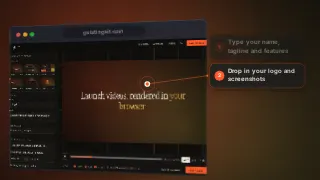
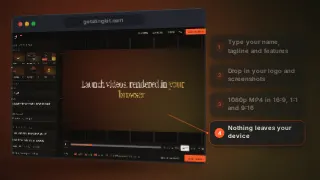
What goes in, what comes out
The facts, so you can decide in a minute whether it fits your launch. Everything below is what the editor does today.
| You type | Name, tagline, 3-5 features | Plus up to 3 stats, a badge ("Now on Product Hunt"), a button label and your URL. |
|---|---|---|
| You add | Logo, up to 3 screenshots | PNG, JPG, WebP or SVG. Desktop and phone screenshots are framed in a browser or phone. No screenshots: a UI is drawn in your colours. |
| You get | MP4, H.264, 30 fps | 1920×1080, 1080×1080 and 1080×1920, all from one click. WebM in browsers without H.264 encoding. |
| Length | 10 to 17 s | Fixed per template (Kinetic 15 s, Showcase 17 s, Bento 15 s, Numbers 14 s, Spotlight 13.5 s, Sting 10 s). Silent, so it autoplays in feeds. |
| Rendering | On your device | Canvas 2D drawing and WebCodecs encoding in the tab. No render queue, no upload, works offline once loaded. |
| Style | 4 colours, 3 fonts | Background, text, primary, accent; Inter, Space Grotesk or Instrument Serif for headlines. 8 preset palettes. |
| Price | $0 / $19 / $12 mo | Free with a corner mark; $19 removes it from one video, $12 a month from every video. |
6 templates, each built by hand
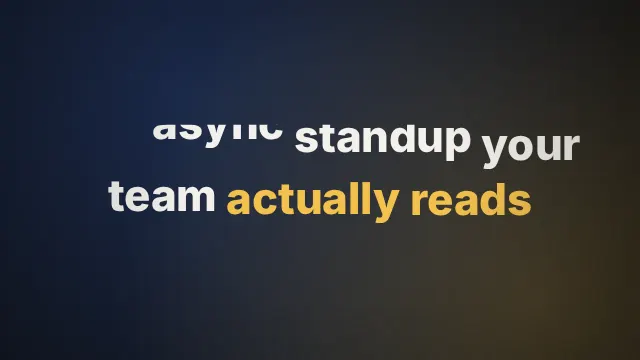
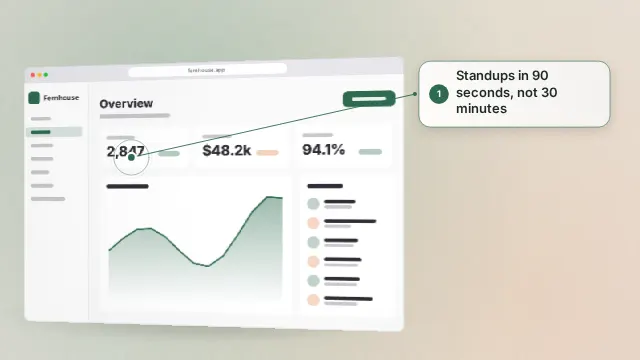
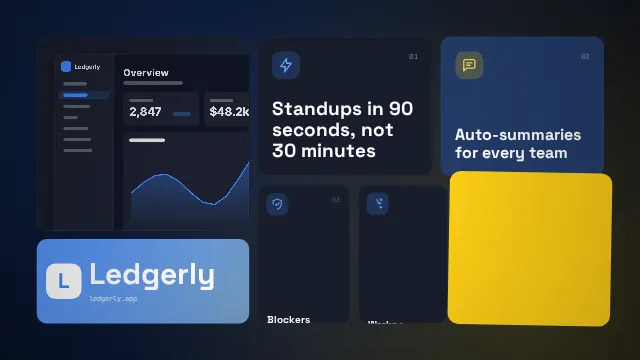
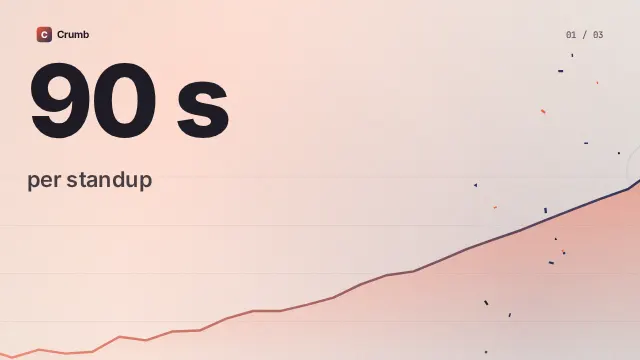
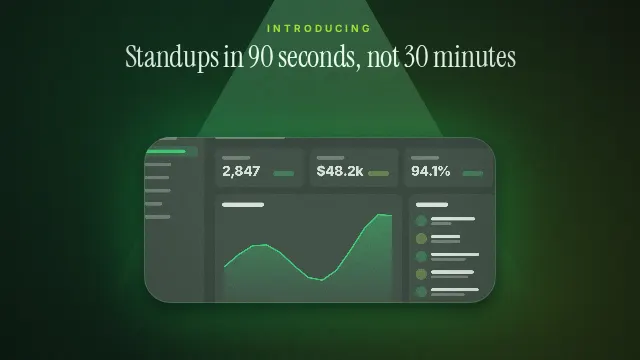
Every template re-lays itself out for 16:9, 1:1 and 9:16 and for text of any length, so a long tagline wraps instead of overflowing. The previews below are drawn live by your browser with sample products.
About ten minutes, start to post
The slow part is choosing the words. Paste them from your landing page and it goes quicker.
- 00:00 → 03:00
Fill in the basics
Name, tagline, three to five short features, a stat or two, your URL. The preview updates as you type.
- 03:00 → 08:00
Make it yours
Pick a template and a palette or your brand colours, a headline font, your logo and up to three screenshots.
- 08:00 → 10:00
Export every format
Tick 16:9, 1:1 and 9:16 and export. Each file downloads straight from the tab: post the 16:9 on X and Product Hunt, the 1:1 on LinkedIn, the 9:16 on Reels, Shorts and TikTok.
Where launch videos get used
Short, practical notes on the three places people post these: what to show, which template, which format.
- Use case
Product Hunt launch video
A 15-second gallery video for launch day: what to show, which template, how to get it onto Product Hunt.
Read the guide → - Use case
Launch video for X, LinkedIn and Reels
Which of the three formats to post where: X, LinkedIn, Instagram Reels, TikTok, YouTube Shorts.
Read the guide → - Use case
Feature announcement video
Changelog and new-feature clips for teams that ship every week, and how to embed them.
Read the guide →
Free to make. Pay to drop the mark.
Every feature is in the free version; the only difference is the small corner mark. No account on any plan.
Every plan: all 6 templates, 16:9, 1:1 and 9:16, 1080p MP4, no account.
This video $19
No mark on one video (one product name), every format, re-exports for 30 days. One-off.
Unlimited $12/month
No mark on every video while active. Cancel any time.
| Free$0To try it, or if the mark doesn't bother you | This video$19one-offFor one launch this week | Unlimited$12/monthFor teams that ship every week | |
|---|---|---|---|
| Templates | All 6 | All 6 | All 6 |
| Formats | 16:9, 1:1, 9:16 | 16:9, 1:1, 9:16 | 16:9, 1:1, 9:16 |
| Resolution | 1080p MP4 | 1080p MP4 | 1080p MP4 |
| Watermark | Small corner mark | None | None |
| Covers | Any video | One product name, 30 days of re-exports | Every video while active |
| Account | None | None (unlock kept in this browser) | None (restore by receipt email) |
| Start free |
For businesses. USD, excluding any taxes; checkout and invoice by Stripe; no account. Cancel the monthly plan any time from the editor. If a paid export doesn't work and we can't fix it, email us within 14 days for a refund. Restore a purchase · Terms
What is stingkit?
A web app that makes short motion-graphics videos for product launches. You type your product name, tagline and features, add a logo and screenshots, pick one of six templates and export 1080p MP4 in 16:9, 1:1 and 9:16. It runs in the browser; there's nothing to install and no account.
Do my screenshots and logo get uploaded?
No. The video is drawn and encoded by your own browser, on your own device. Your logo, screenshots and text never leave the tab; close it and they're gone. We only count anonymous events such as "an export finished" (see privacy).
Which formats do I get?
1080p MP4 (H.264, 30 fps): 1920×1080 (16:9) for X, Product Hunt and YouTube, 1080×1080 (1:1) for LinkedIn and feeds, and 1080×1920 (9:16) for Reels, Shorts and TikTok. Export one or all three in one go. Browsers without an H.264 encoder get WebM.
How long does an export take?
In Chrome, Edge or Safari on a recent laptop, roughly as long as the video plays or less: a 15-second video takes about 10 to 20 seconds per format. Phones and machines without a GPU are slower; the progress bar shows where it is.
Which browsers work?
Chrome, Edge and Safari 16.4 or newer export MP4. Firefox exports WebM (X only accepts MP4, so use Chrome or Safari for X). It works on phones, but a laptop is quicker.
Is this an AI video generator?
No. There are no prompts and no generated footage. Each template is hand-built motion design (kinetic type, device mockups, counters, a logo sting) that adapts to your text, colours and screenshots. The same input gives the same video every time.
Is there music?
No, videos are silent, so they autoplay cleanly in feeds. Add a track in the Instagram or TikTok composer, or in any video editor.
Can I use the video commercially?
Yes. The video you export is yours to post, embed and use in ads. The fonts are open-source (SIL Open Font License).
What does the watermark look like?
A small "made with getstingkit.com" pill in the bottom-right corner; the sample video on the home page shows it. Everything else is the full video. Remove it for $19 per video (all formats, re-exports for 30 days) or $12 a month for unlimited videos.
How does paying work? Do I need an account?
No account. Checkout is Stripe's: pay by card (or whatever Stripe offers you) and you come straight back to the editor, now without the watermark. stingkit is sold to businesses (founders, freelancers, companies); prices are in USD, excluding any taxes, and you get an invoice by email. The unlock lives in this browser. On another device, or after clearing your browser, choose "Restore a purchase" and enter the email from your receipt. Cancel the monthly plan any time from "Manage subscription" in the editor.
$19 or $12 a month?
$19 covers one video, identified by the product name you type, in every format, with re-exports after edits for 30 days. $12 a month covers every video while the plan is active. If you make more than one video a month (a launch, then feature updates), the monthly plan is cheaper.
Do I need an account?
No. Open the editor and start. Your text is remembered in this browser (local storage) so you can come back; images are not stored.